
01
Custom E-Learning
Responsive, engaging and learner-focused digital courses designed for your audience and objectives.
Explore solution →E-Adhyayan combines instructional design, engaging digital content and learning technology to create meaningful learning experiences for educational institutions and organizations.
E-Adhyayan helps institutions and organizations transform knowledge into engaging, accessible and measurable digital learning experiences.
From instructional design and multimedia development to SCORM courses, Moodle implementation and learning technology, we provide an integrated solution from concept to deployment.
Learn more about E-Adhyayan →Learning strategy, content, technology and deployment brought together under one solution.
Responsive, engaging and learner-focused digital courses designed for your audience and objectives.
Explore solution →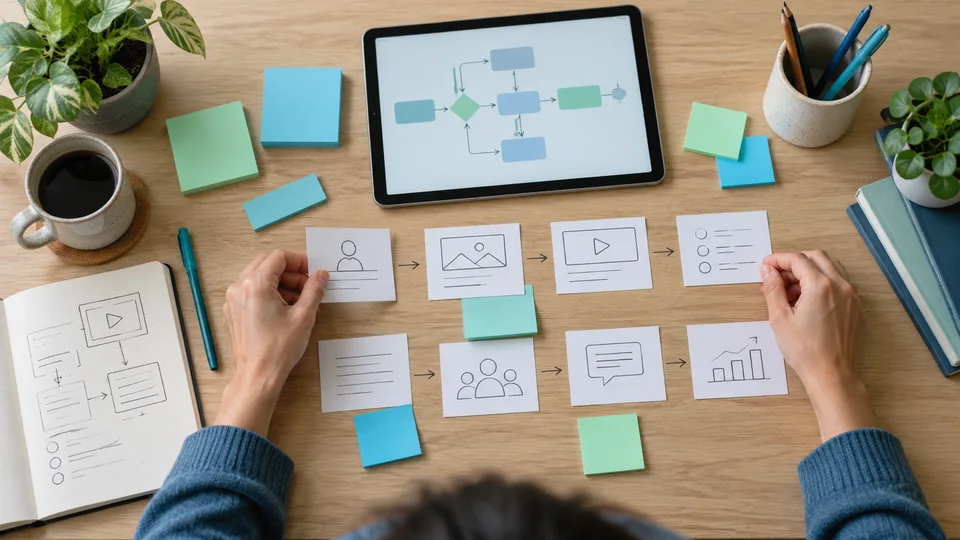
Learning journeys, storyboards, assessments and activities designed around measurable outcomes.
Explore solution →
Instructional videos, animations, demonstrations and multilingual learning media.
Explore solution →
Moodle setup, implementation, course deployment, customization and learning-management support.
Explore solution →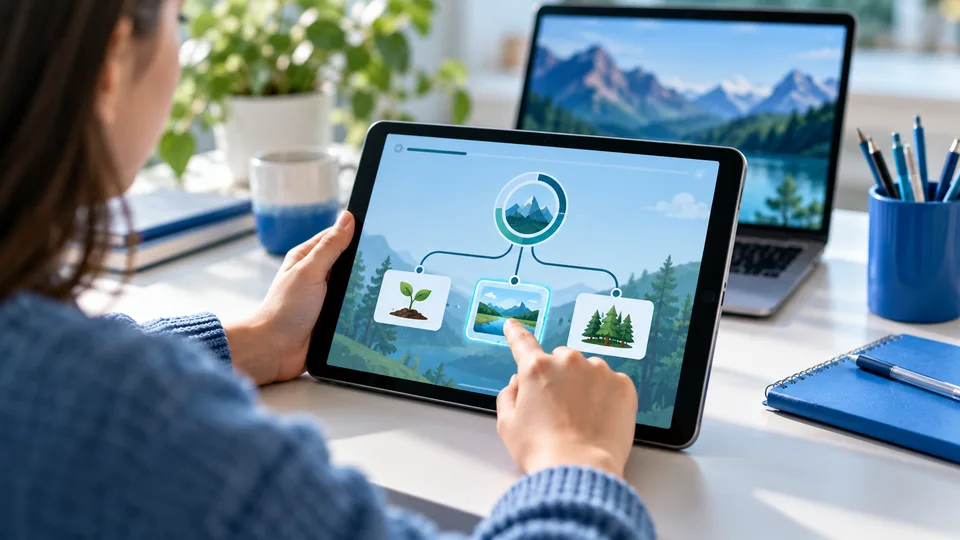
Interactive courses, assessments and activities designed for LMS tracking and completion.
Explore solution →
Adapt learning for different languages, audiences and cultural contexts while maintaining quality.
Explore solution →A simple professional workspace for instructional designers, educators and content developers to create responsive online learning without complicated tools.
 LEARNING FORMAT / 01
SCORM-based responsive learning with interactions, assessments and tracking.
A guided lesson combines short explanations, clickable activities and a final knowledge check.
View our portfolio → LEARNING FORMAT / 02
Short, focused learning experiences designed for faster knowledge acquisition.
One objective, a focused explanation and a quick retrieval question make a compact learning unit.
View our portfolio → LEARNING FORMAT / 03
Structured onboarding and induction journeys for new employees.
Introduce the organisation, explore workplace scenarios and check understanding of key policies.
View our portfolio → LEARNING FORMAT / 04
Learning videos combining narration, visuals, animation and demonstration.
Combine a concise demonstration with captions, a transcript and a follow-up activity.
View our portfolio → LEARNING FORMAT / 05
Knowledge checks, quizzes and learning evaluations.
Use scenario questions with helpful feedback to identify understanding and learning gaps.
View our portfolio → LEARNING FORMAT / 06
Digital training programmes supporting professional development and institutional requirements.
Connect practical demonstrations, reflection and classroom application in a guided pathway.
View our portfolio →Five stages that guide learners from introduction to meaningful understanding.
Establish context, activate prior knowledge and introduce the learning journey.
Start with a question: what do you already know about this topic?
Strengthen understanding through structured activities, repetition and practice.
Try a retrieval activity, then compare your response with helpful feedback.
Apply knowledge in meaningful situations, scenarios and practical contexts.
Work through a realistic scenario and decide how to use the concept.
Extend learning into deeper concepts, connections and advanced applications.
Connect the concept to a new context and explore a more challenging example.
Build lasting conceptual understanding and confidence to use new knowledge.
Explain the idea in your own words and reflect on how you will use it.
Digital courses, LMS implementation and faculty-learning solutions.
Discuss your learning needs
Engaging digital learning resources and teacher-support solutions.
Discuss your learning needs
Induction, onboarding, compliance and employee-development programmes.
Discuss your learning needs
Digital transformation of instructor-led courses into scalable online learning.
Discuss your learning needsUnderstand learners, objectives and requirements.
Audience needs, learning objectives and a clear project scope.
Create learning strategy, structure and storyboard.
A structured course outline, sample screens and assessment plan.
Produce content, media, activities and interactions.
A responsive learning experience with media and interactions.
Validate content, experience and technical quality.
Content accuracy, accessibility and device compatibility checks.
Publish and integrate learning with your LMS.
An agreed web or LMS package, tested in the target environment.
Review outcomes and improve the learning journey.
Review available completion data, learner feedback and assessment results.
Audience needs, learning objectives and a clear project scope.
We focus on more than simply putting information online. Every solution is designed around the learner, the objective and the environment in which learning happens.
About E-Adhyayan →Every project begins with learning objectives and learner needs.
Learning developed specifically for your organization and audience.
Responsive courses and LMS-compatible deployment.
From analysis and design through development, implementation and support.
Tell us about your learners, content and goals. We’ll help you identify the right digital learning solution.